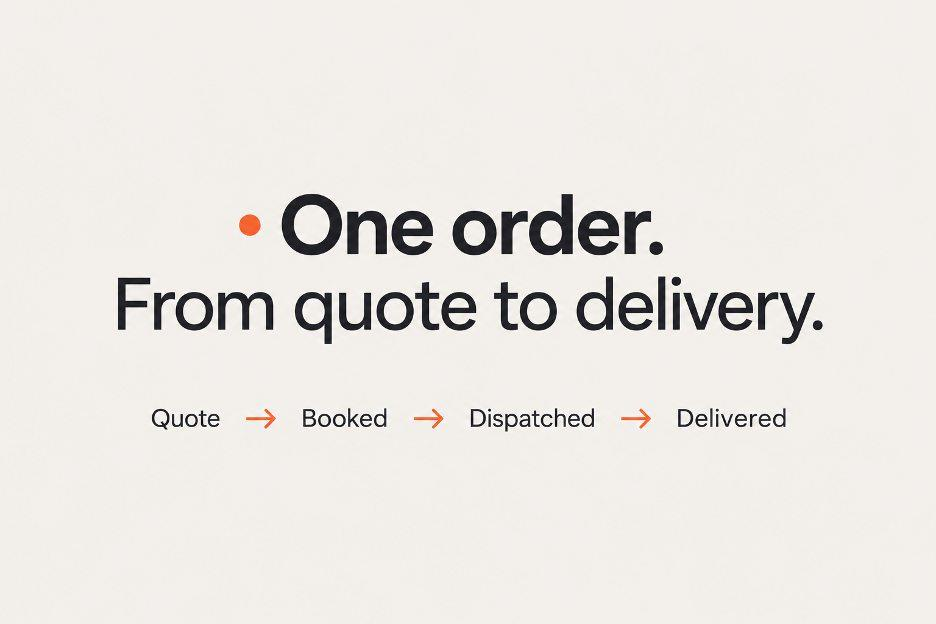
It Starts with a Quote
A customer visits the brokerage’s website to find out what shipping their car will cost. They enter the vehicle, route, and transport type and receive an estimated price right away.
The estimate uses pricing for comparable shipments in Super Dispatch, with the brokerage’s own markup applied. The broker sets that markup as a fixed amount or a percentage, so the price shown on the website follows their pricing rules.
When the inquiry reaches the agent, the shipment details and estimate are already there. The agent can keep the price or adjust it based on the shipment details before sending a final quote.
When the Customer Needs Time
Whether they get an estimate on the website or a final quote from an agent, customers don’t always book immediately. They may need to compare offers or settle on a pickup date.
The agent makes a mental note: “Follow up in two days. Don’t forget.” Then it’s back to other orders: confirming dates, answering calls, and finding carriers. Meanwhile, more inquiries arrive, and those need follow-up too.
Even if sending each follow-up takes just 30 seconds, contacting 100 leads adds up to 50 minutes. That’s only the sending: the agent still has to track who is due for a message, who has already responded, and when to contact the others again.
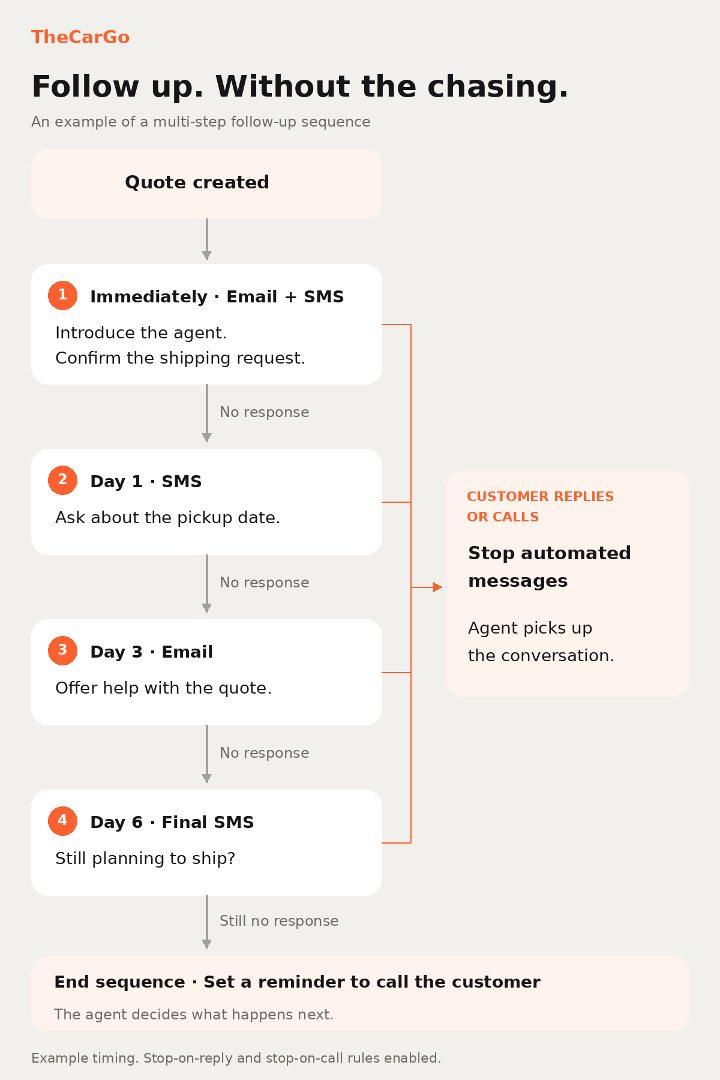
In TheCarGo, the team can set up a sequence that sends messages automatically at chosen intervals. It can start as soon as a quote is created, introducing the agent and confirming the request. Later messages can ask about the pickup date or offer help with the quote if the customer hasn’t responded. The team chooses the templates and can configure the sequence to stop when the customer replies or calls, so the agent can pick up the conversation.
From Booking to Contract and Payment
When the customer is ready to book, the agent confirms the route, dates, and agreed price. Those details are already in the order, so the next step is to send the contract for signature with one click. The customer opens it, signs through DocuSign, and continues straight to payment.
Sometimes the customer signs but leaves payment for later. The payment link also arrives by email, so they can return to it when they’re ready.
The broker can also arrange for the payment provider to hold the funds before payout. This matters if a customer cancels after the brokerage has already started arranging the shipment. The cancellation policy determines how much is refunded and whether any amount is paid to the brokerage.
Finding a Carrier
The vehicle, route, dates, and proposed carrier pay are already in the order. The agent posts it to Central Dispatch, Super Dispatch, or both.
If the customer changes the date the vehicle will be ready while the agent is still looking for a carrier, the listings need updating too. The agent changes the date in TheCarGo and reposts to both boards in one action so carriers see the current terms.
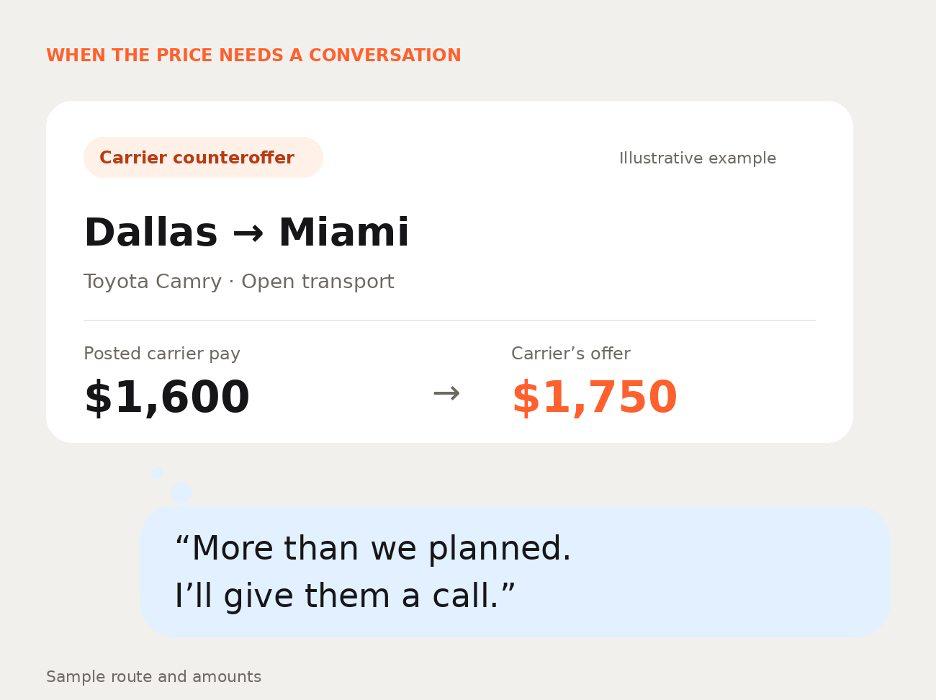
A carrier may respond with a counteroffer. The agent sees the notification immediately in TheCarGo and can accept the offer or call to discuss the terms. The carrier’s contact details are included with the request, making it easy to confirm the price, pickup date, and expected delivery timing. Once they agree on the terms, the agent assigns the carrier to the order.
While the Vehicle Is in Transit
Once the carrier picks up the vehicle, the customer can check its status and location in their portal or contact the agent. The agent sees updates from Central Dispatch and Super Dispatch in TheCarGo and can refer to the conversation history when needed.
After delivery, the documents, payments, and messages stay with the order.
Throughout that process, the agent can move from a customer conversation to arranging pickup with the shipment details already at hand. There’s less information to piece together between tasks.
Bring quoting, follow-ups, contracts, and dispatch into one workflow. See how this workflow could fit your brokerage in a walkthrough with the TheCarGo team.